⚔
Build your company
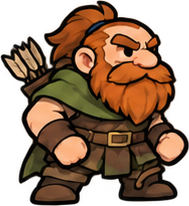
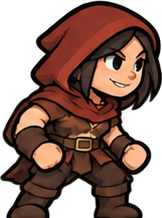
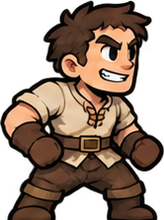
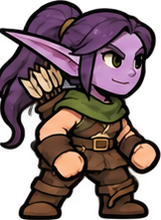
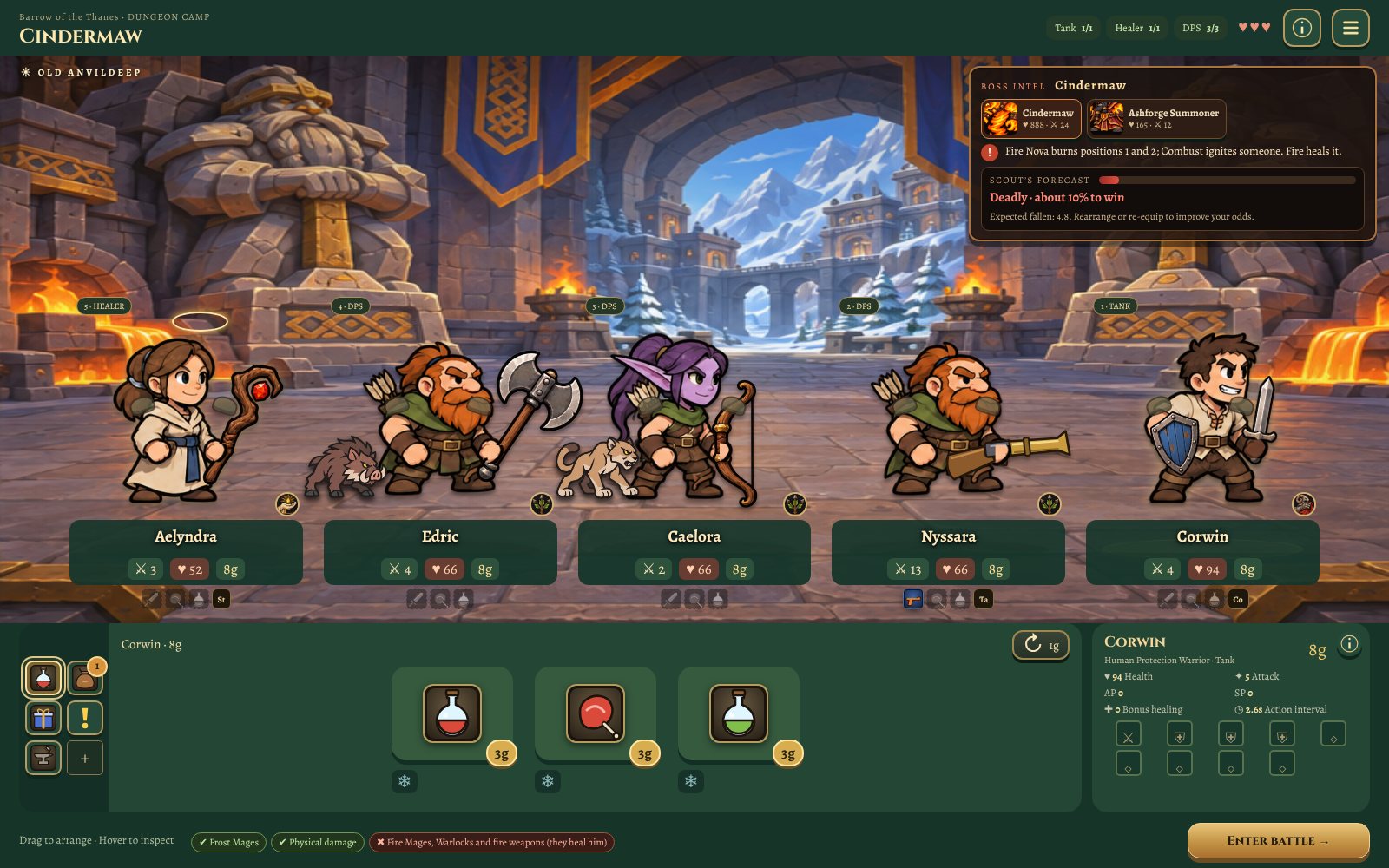
Nine classes and dozens of specs. Tanks hold the front, healers reach the allies ahead of them, and every class brings a buff to the whole party.
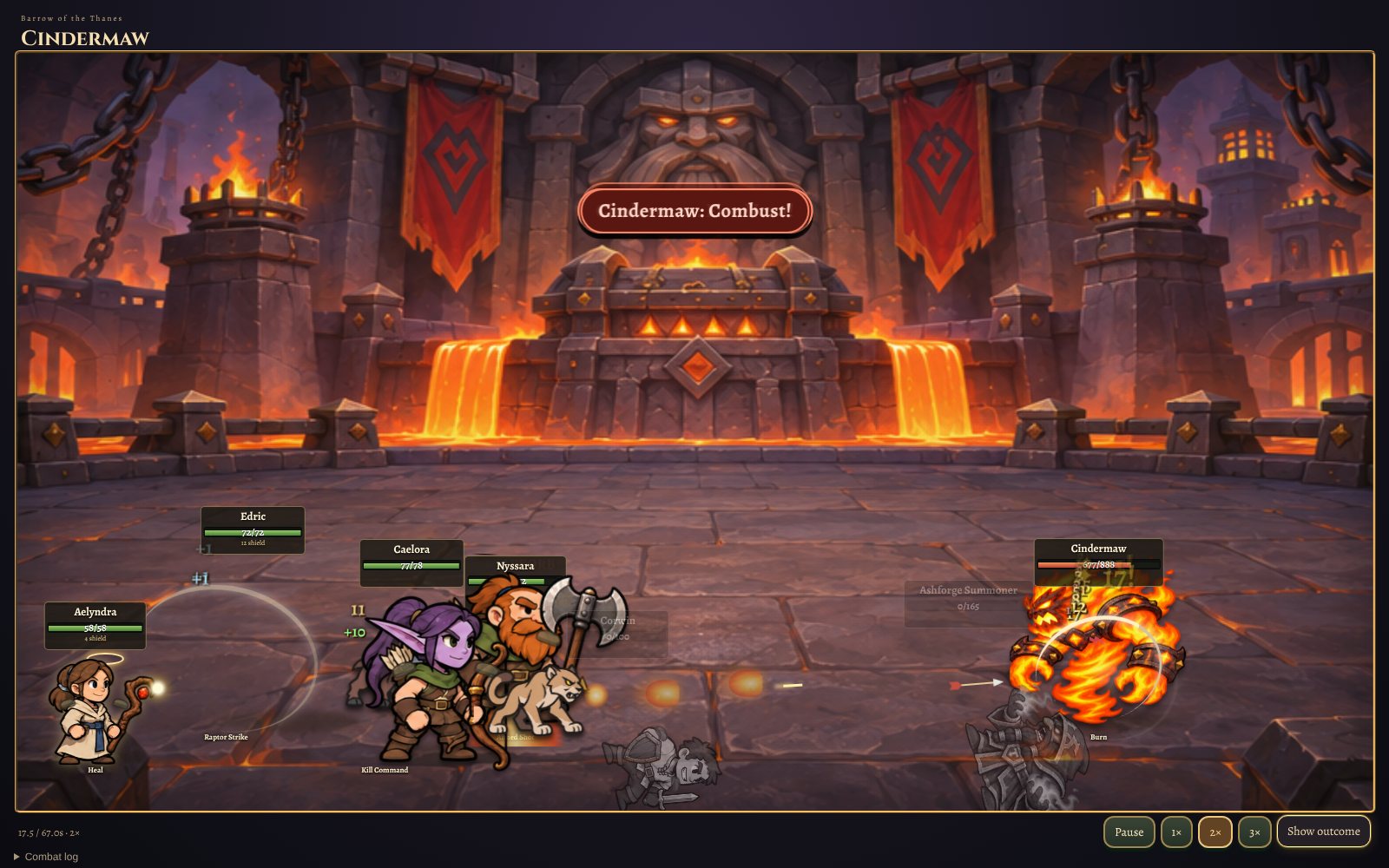
Gather a fellowship, plan the fight, and watch it unfold. A fantasy party auto-battler where every choice you make at the campfire decides the battle.
You don’t control the swords. You choose who carries them. Recruit heroes, arrange the line, gear them up, then watch your plan meet the enemy.
Nine classes and dozens of specs. Tanks hold the front, healers reach the allies ahead of them, and every class brings a buff to the whole party.
Every boss favours some parties and punishes others. Fire heals one, frost shatters him. Read the intel, swap heroes, try again.
Each zone is a hand-drawn map of quests, packs, elites, camps and secrets, ending at a dungeon with its own story and reward.
The weapon in a hero’s hand is the one they wear. Swords swing, bows draw, guns kick. Frost, ember and shadow gear glows.
Primary and secondary professions, from Engineering bombs to Runecarving and Starweaving. Learn what fits your build.
Two factions, two campaigns. Where their roads cross, war parties wait in ambush.
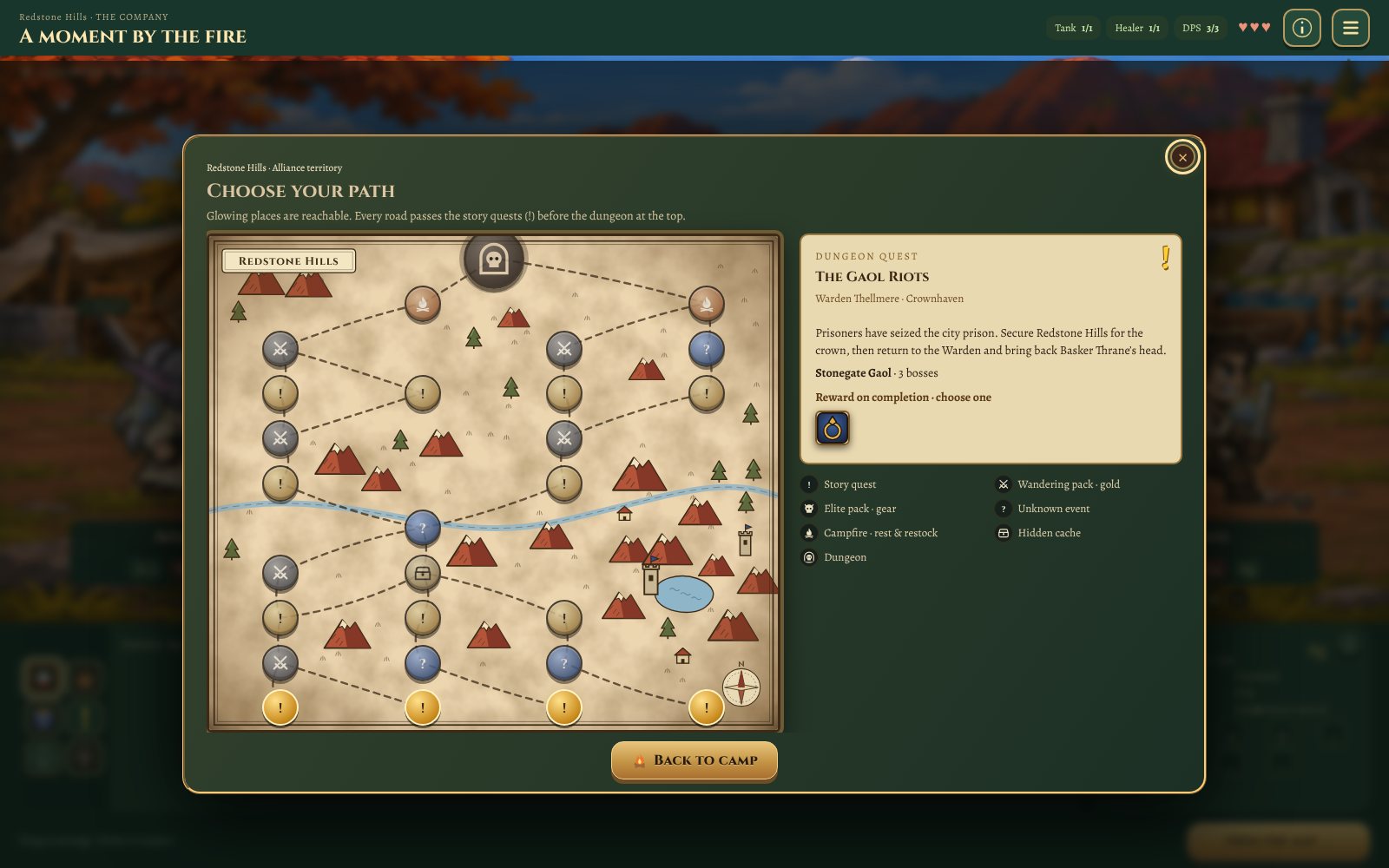
The Alliance campaign takes your company from the woods of Elmvale through Westmeadow and the Redstone Hills to the moonlit forest of Ashgrove. A second campaign is on its way, and where the two cross, nobody travels safely.
Click Download for Windows to get the installer, FeudAndFellowship-Setup.exe.
Windows may say “Windows protected your PC” because the game is new and unsigned. Click More info, then Run anyway.
The game opens and adds a desktop shortcut. Updates download by themselves; when one is ready, restart to apply it. Your saves are kept.
F11 or Alt+Enter switches fullscreen. Press Esc in game for settings, keybinds and saves.